A few people have asked me where they can find the WSUS service in the Windows Server Services list in order to restart it.
To restart WSUS using PowerShell visit:
The simple and best way to restart the WSUS service on a Windows server 2003, 2008, 2012 and 2016 is to open the cmd command line and type the command below to stop the service:
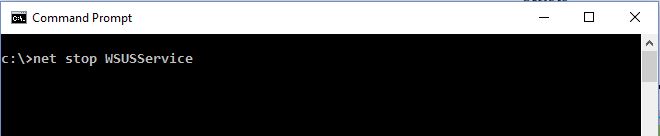
net stop WSUSService
And below command to start the service:
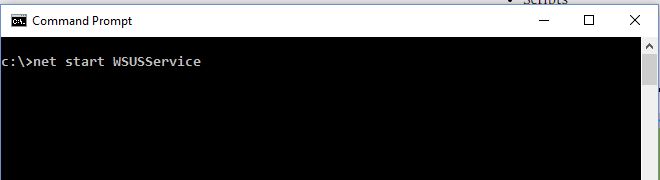
net start WSUSService