When replicating public folders on Exchange Server 2010 we do two things, replication public folder content and hierarchy.
This process is recommended when you have more than one Exchange server as it provide efficiency and fault tolerance.
The first option method is using the Exchange shell using the cmdlet.
This cmdlet will update the hierarchy:
Update-publicfolderhierachy

To update specific public folder use the following cmdlet:
Update-publicfolder –identity "\publicfoldername"
 .
.
The second method is the GUI.
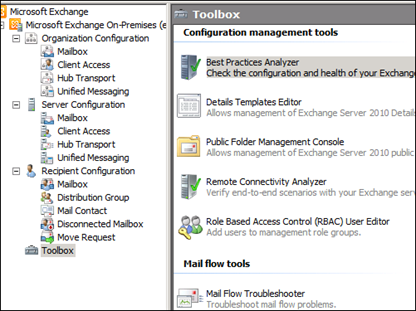
Open the Public Folder Management Console from the Toolbox menu in the EMC.
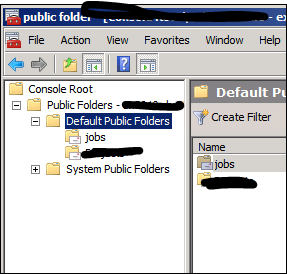
Locate the public folder.
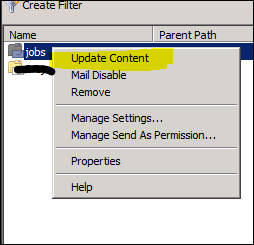
Right click on it and select Update Content