Answer: This KB will show you how to install a new certificate on Exchange server 2010.
By default Exchange server uses a self-signed certificate.
to install a 3rd party certificate from a known certificate authority you will need to Use the New Certificate wizard.
Follow the steps below to create a new certificate:
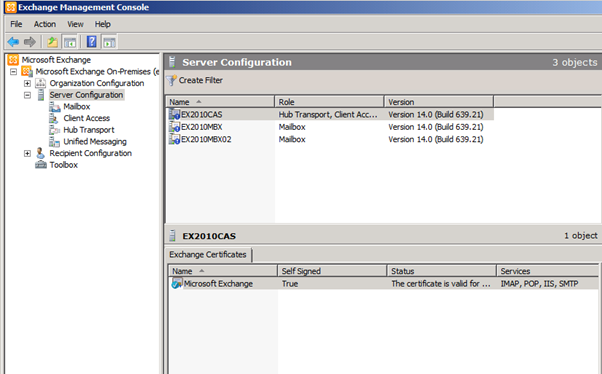
Go to Exchange Management console -> Server Configuration -> Click on the CAS server on the top menu and on the
Bottom menu right click on a blank spot.
Click on the New Exchange Certificate option.
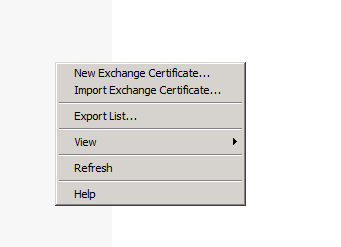
Follow the wizard.
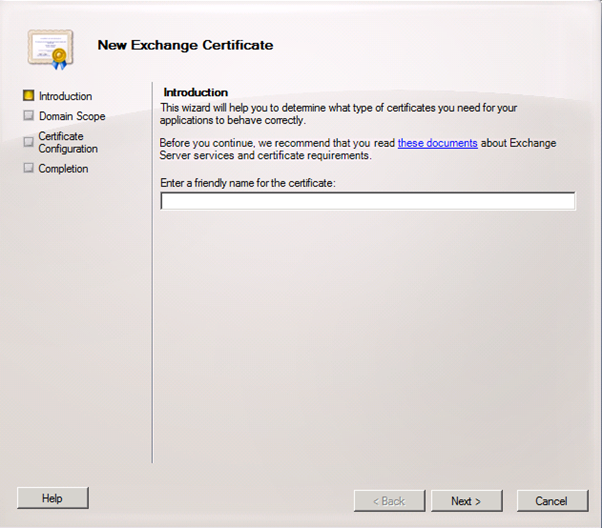
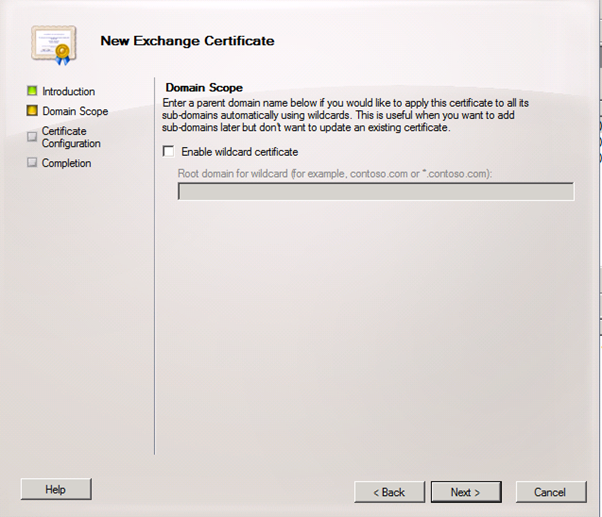
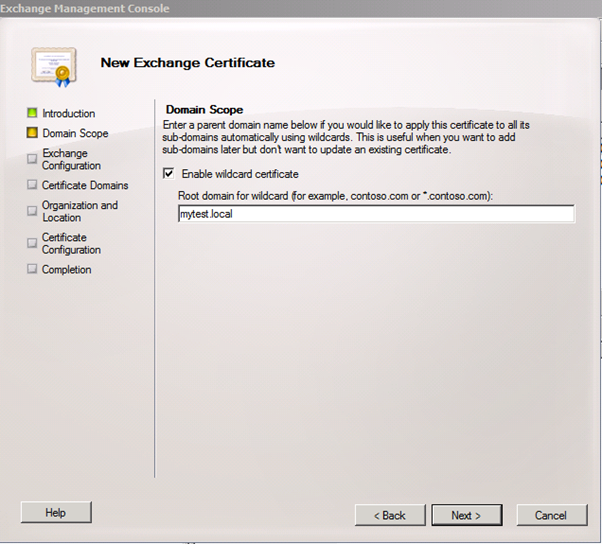
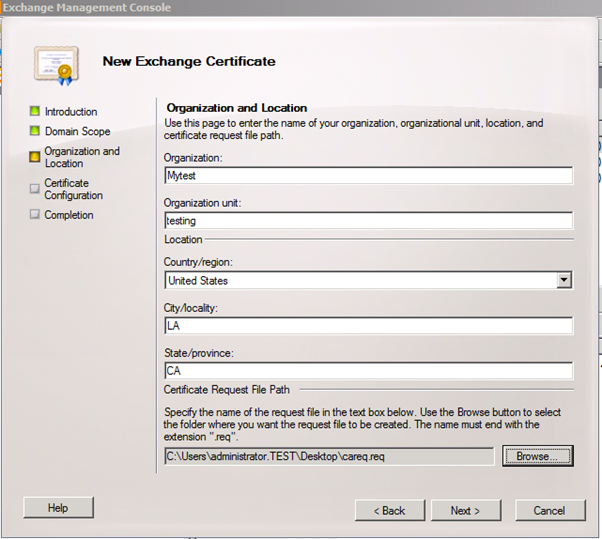
Fill in your company information, this is a very important part as the information here needs to be correct.
Make sure you save the request file to a location you can find later.
Click new.
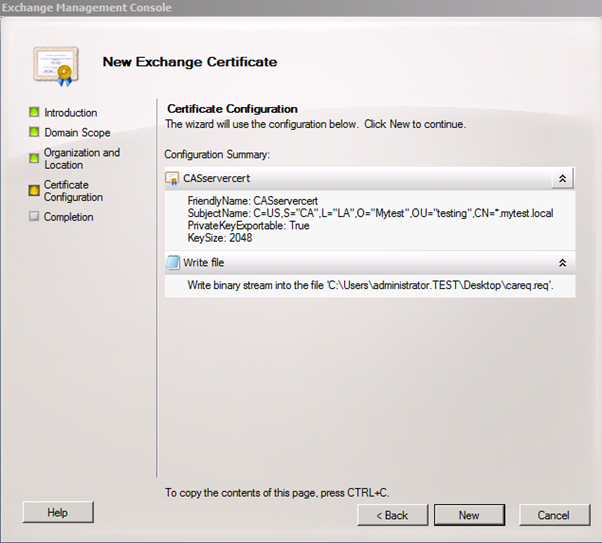
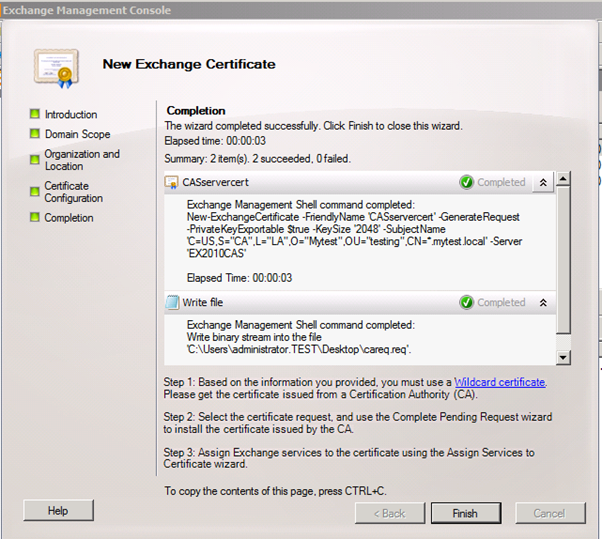
You will have to send the request file to the CA to verify your details and issue the certificate.
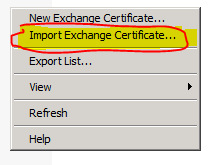
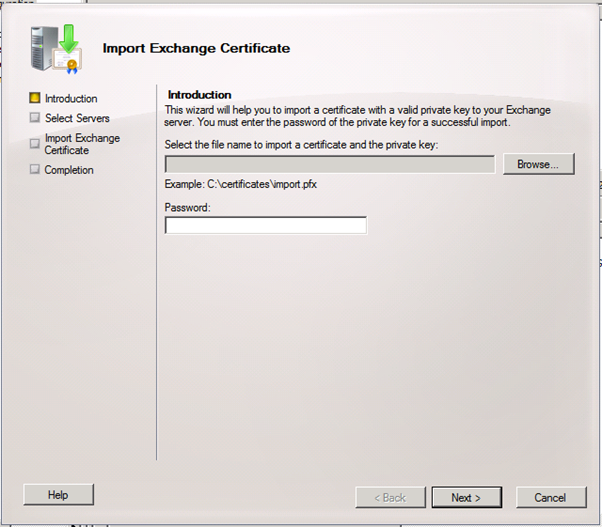
After you get the certificate from the CA use the Import Exchange Certificate to install it.