
Answer: In Exchange server 2010 we have the option to enable and disable menus and features in OWA.
This is a very powerful feature that can help in the security front of the organization.
To enable and disable OWA features follow the steps below.
Open Exchange EMC -> Server Configuration – > Client Access -> Outlook Web App Tab
Right click on the OWA folder and click on the segmentation tab.
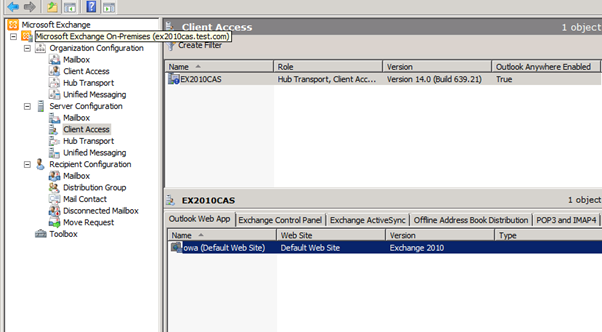
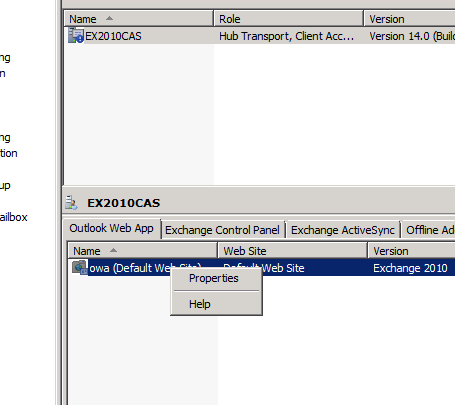
Right click on the OWA website and click on Properties.
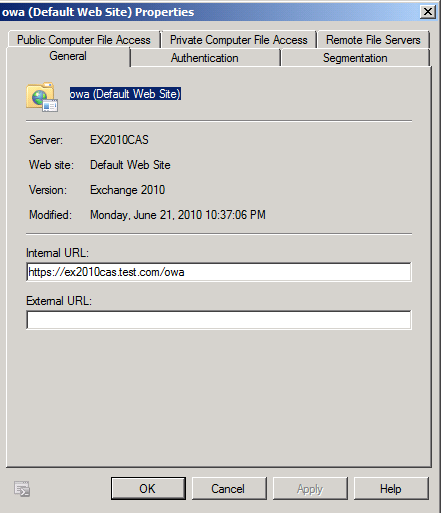
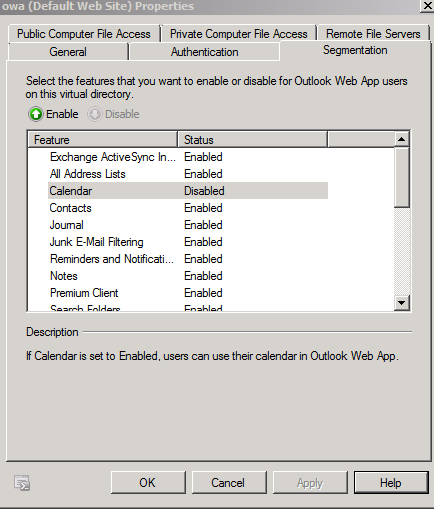
In the properties window click on the segmentation tab.
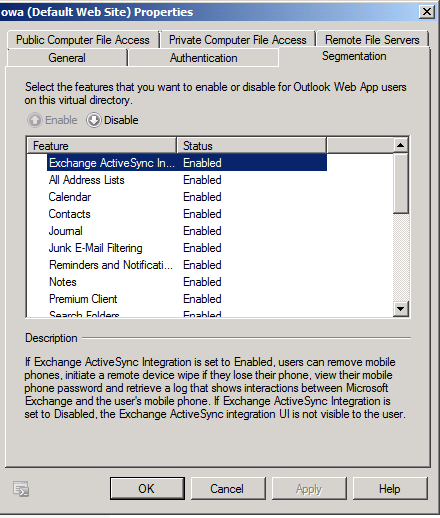
Here you can choose which feature you want to Enable or Disable.
For this example I’ll disable the calendar feature.
To disable or enable a feature just click on it and change the status from the enable and disable bottons.
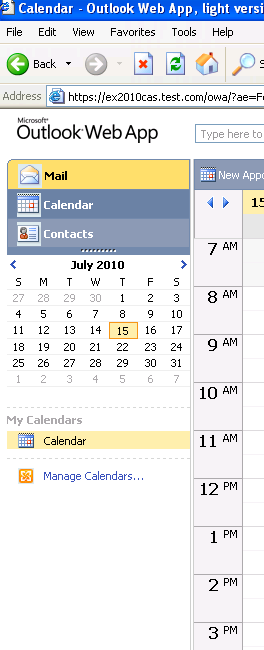
Before I disable the calendar feature.
Highlight Calendar and click disable.
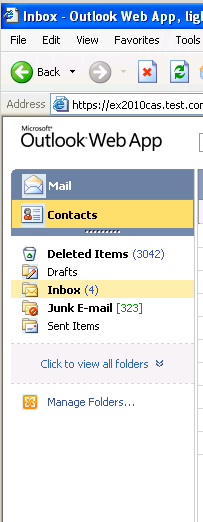
As you can see the Calender link is gone.
Please send us feedbacks to:
Articles at ntweekly dot com