Answer: In this article I’ll show you how to recover \ restore a deleted mailbox with Exchange Server 2010.
To restore \ recover a deleted mailbox in Exchange Server 2010 use the steps below:
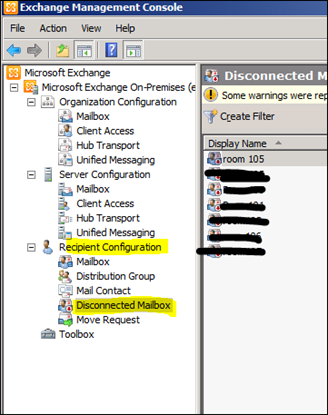
Open EMC -> Recipient Configuration -> Disconnected Mailbox
Locate the mailbox you deleted.
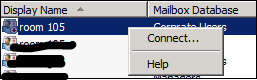
Right Click on the mailbox and select Connect.
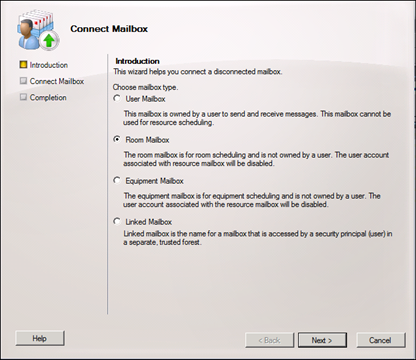
Follow the wizard, Select the type of mailbox.
Select the user.
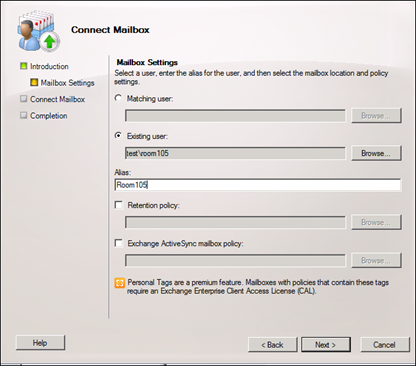
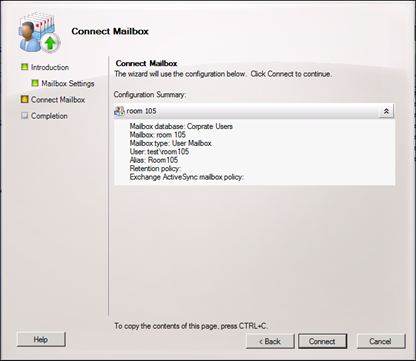
Click on Connect