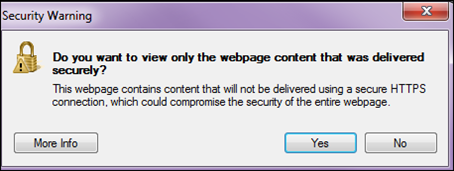
Answer: You get the “Do you want to view only the webpage content that was delivered securely? “
The webpage contains contents that will not be delivered using secure HTTPS connection, which could compromise the security of the entire webpage.
To disable the prompt follow the steps below:
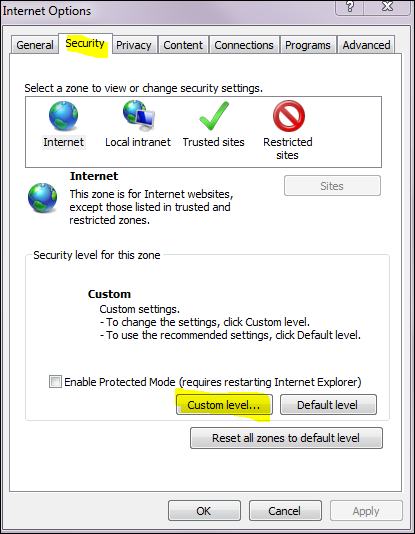
Open Internet Options -> Security Tab -> Custom Level
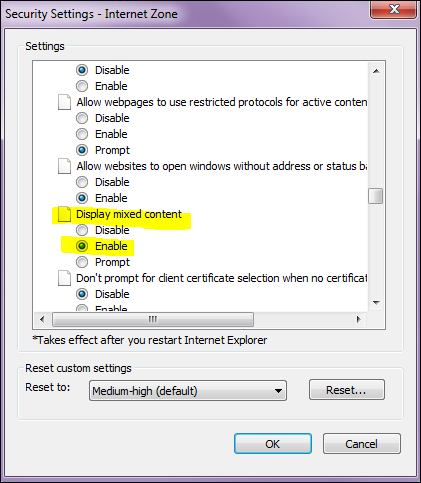
Under Miscellaneous find the Display Mixed Content and set it to Enable
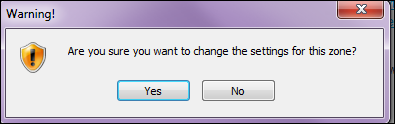
Click OK, and Yes to the Warning message